Yale Discontinues Support for SMS Notifications - January 2026
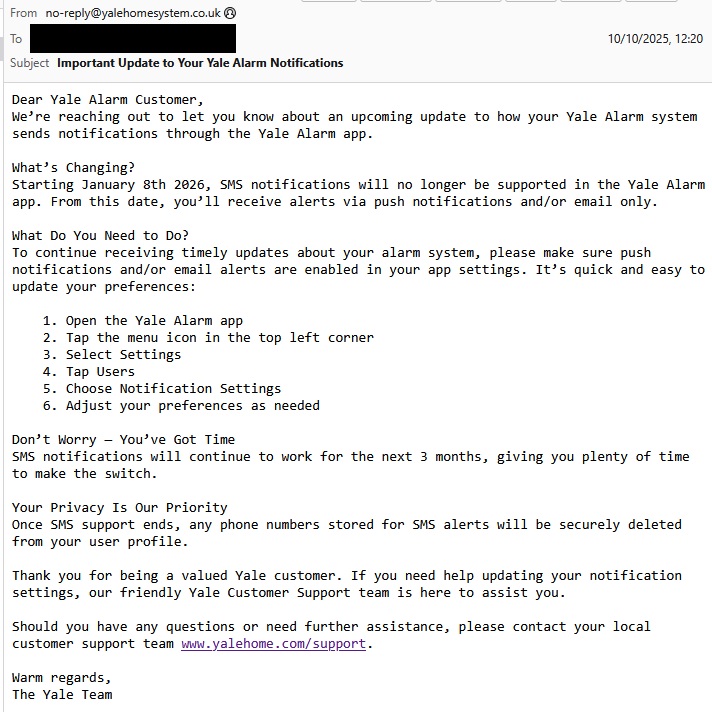
In October 2025, Yale sent an email to customers announcing the discontinuation of SMS notifications. It reads:
Important Update for Yale Alarm Customers
SMS notifications will no longer be supported starting January 8th, 2026.
What's Changing?
Starting January 8th, 2026, SMS notifications will no longer be supported in the Yale Alarm app. From this date, you'll receive alerts via push notifications and/or email only.
What Do You Need to Do?
To continue receiving timely updates about your alarm system, please make sure push notifications and/or email alerts are enabled in your app settings. It's quick and easy to update your preferences:
Open the Yale Alarm app
Tap the menu icon in the top left corner
Select Settings
Tap Users
Choose Notification Settings
Adjust your preferences as needed
Don't Worry - You've Got Time
SMS notifications will continue to work for the next 3 months, giving you plenty of time to make the switch.
Your Privacy Is Our Priority
Once SMS support ends, any phone numbers stored for SMS alerts will be securely deleted from your user profile.
Need Help?
Thank you for being a valued Yale customer. If you need help updating your notification settings, the friendly Yale Customer Support team is here to assist you.
Should you have any questions or need further assistance, please contact your local customer support team at www.yalehome.com/support .
Warm regards, The Yale Team
Follow-up Email From Yale - Dec 2025
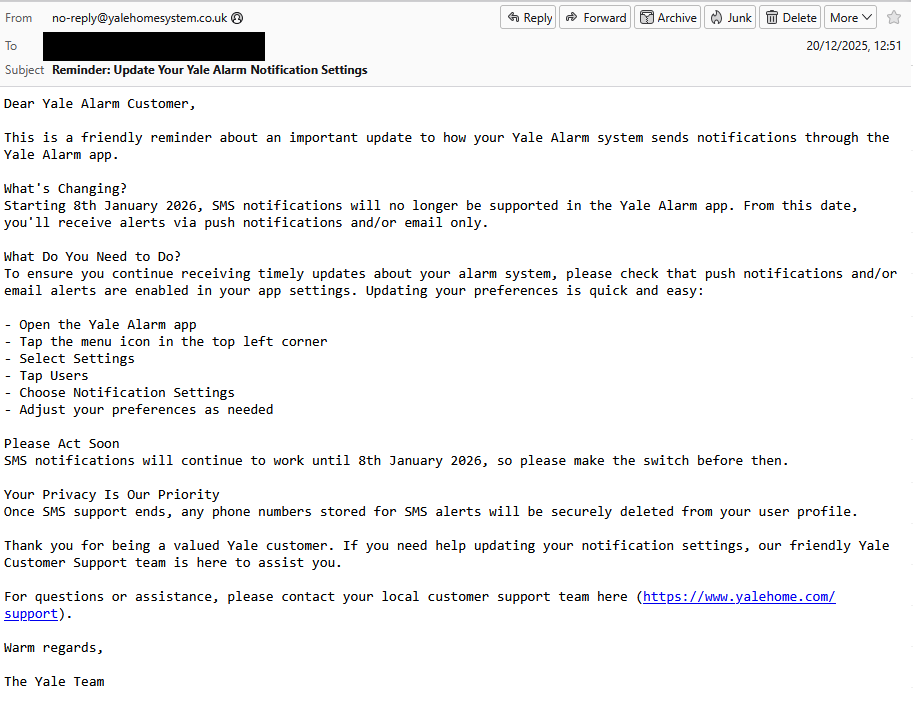
In December 2025, Yale sent a follow-up reminder email to customers:
Dear Yale Alarm Customer,
This is a friendly reminder about an important update to how your Yale Alarm system sends notifications through the Yale Alarm app.
What's Changing?
Starting 8th January 2026, SMS notifications will no longer be supported in the Yale Alarm app. From this date, you'll receive alerts via push notifications and/or email only.
What Do You Need to Do?
To ensure you continue receiving timely updates about your alarm system, please check that push notifications and/or email alerts are enabled in your app settings. Updating your preferences is quick and easy:
Open the Yale Alarm app
Tap the menu icon in the top left corner
Select Settings
Tap Users
Choose Notification Settings
Adjust your preferences as needed
Please Act Soon
SMS notifications will continue to work until 8th January 2026, so please make the switch before then.
Your Privacy Is Our Priority
Once SMS support ends, any phone numbers stored for SMS alerts will be securely deleted from your user profile.
Thank you for being a valued Yale customer. If you need help updating your notification settings, our friendly Yale Customer Support team is here to assist you.
For questions or assistance, please contact your local customer support team at www.yalehome.com/support.
Warm regards, The Yale Team
Authenticity Confirmation
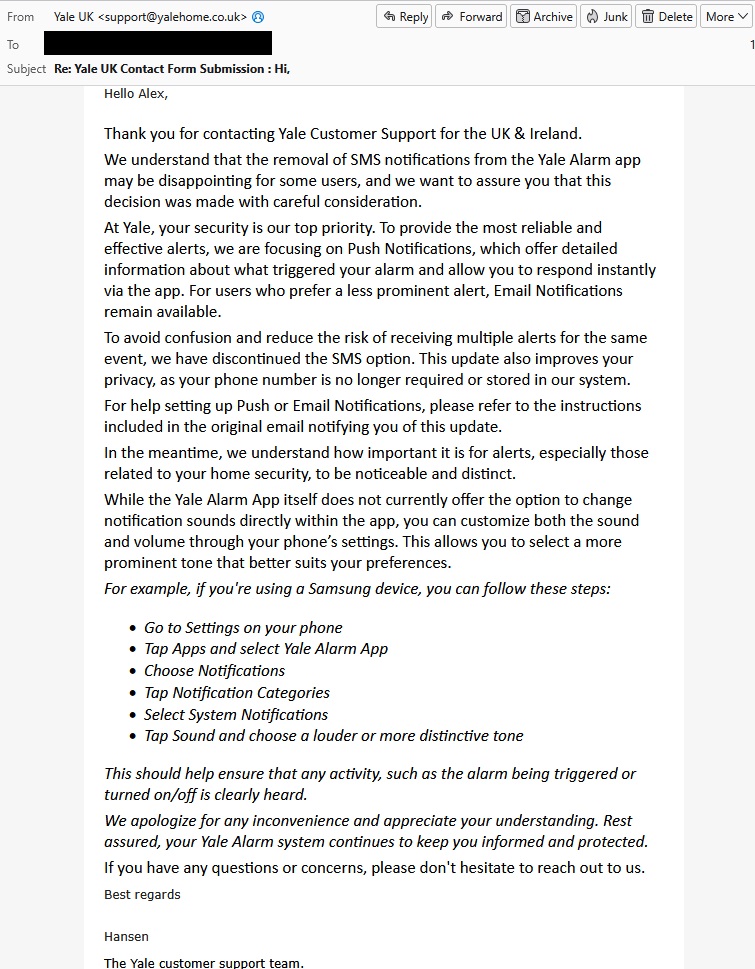
I originally thought that this could be a scam or a phishing attempt, so I reached out to their support to check its authenticity. Their customer support got back to me, confirming that the email is indeed genuine (as per the screenshot below).
Analysis of Yale's Email
I was surprised that Yale chose to discontinue SMS notifications. From my experience, I would always get push notifications from their app plus email alerts, but sometimes I would have patchy WiFi or mobile data, so these notifications would not come through in time. These instances were more worrying when I was away from home and I would get a delayed notification about an alarm event.
I looked into their SMS and phone call alert options, however I was disappointed with the lack of functionality for their alerting service. For example, I couldn't customise which events triggered which notification (SMS text messages or phone call) per contact - I wouldn't want to call everyone just for ordinary arm or disarm events, which is the reason why I built Alarm Notifier in the first place as an alternative solution.
It is interesting that in Yale's support email response, they seem to imply that in-app push alerts are better than SMS text messages, since they mention push notifications offer greater detail about alarm events, better privacy (for not needing to store customer phone numbers), and suggest email notifications if you don't care much about push alerts.
Yale support also didn't mention the main motivations for disabling SMS alerts so we can only speculate for the reasons behind this decision. It could be the case that running SMS sending infrastructure is too costly for the company, especially where cheaper alternatives like push notifications and email exist.
Another guess is that not enough people use SMS alerts to make it worthwhile to continue offering the service. Similar to the above point, Yale is a relatively large company and the cost of running text message sending infrastructure for a small minority of users might not be justified.